(inc GST)
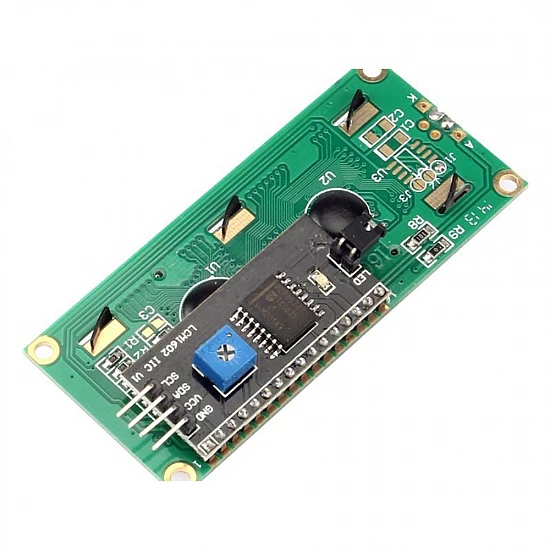
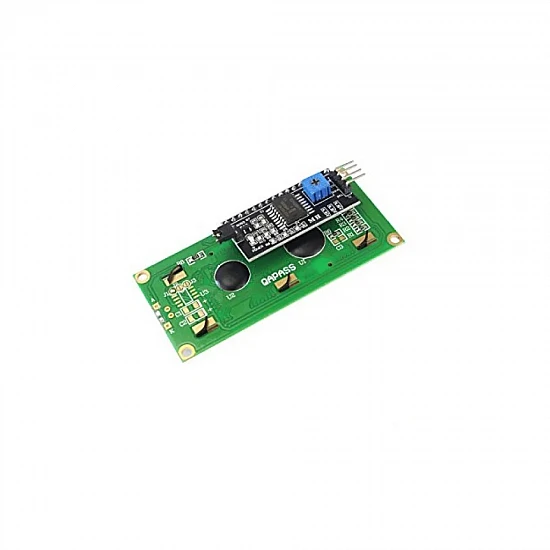
The IIC/I2C 1602 LCD Display Module is an essential visual output component for electronics projects, providing a clear 16-character by 2-line readout. By integrating an onboard PCF8574T I2C backpack, this module drastically reduces the complex wiring of standard parallel LCDs down to just four pins (VCC, GND, SDA, and SCL). This frees up valuable digital I/O pins on your microcontroller for other sensors and actuators, making it highly efficient for complex builds.
Perfect for makers, students, and engineers, this display operates on a standard 5V power supply and is widely compatible with popular development boards like Arduino, ESP32, ESP8266, and Raspberry Pi. Whether you are designing a smart home dashboard, a DIY weather station, or an interactive robotics interface, this module offers exceptional readability with its bright backlight and built-in contrast adjustment potentiometer. Getting started is easy with widely available Arduino code libraries.
Features:
- I2C Interface: Requires only two data pins (SDA/SCL) for communication, simplifying circuit diagrams and saving microcontroller I/O pins.
- Adjustable Contrast: Includes an onboard potentiometer to easily adjust the display contrast for optimal viewing angles.
- Bright Backlight: Ensures data is highly visible even in low-light environments.
- Wide Compatibility: Works seamlessly with 5V microcontrollers like Arduino Uno, Mega, and Nano.
- Plug and Play: Standard 4-pin header (2.54mm pitch) makes it easy to connect with jumper wires directly to a breadboard.
Package Includes:
1 x IIC/I2C 1602 LCD Display Module with Backlight
| Technical | |
| Characters | 16 Columns x 2 Lines |
| Interface Type | IIC / I2C |
| No. of Pins | 4 (VCC, GND, SDA, SCL) |
| Operating Voltage | 5V DC |
Ask a Question about IIC/I2C Backlight LCD Display Module For Arduino
-
Yes, You can claim GST credit if you have a GST number. To do it you have to mention the GST number at the time of checkout. GST option appears in the Billing Address. If you are an existing customer of flyrobo then you can log in to your account ( Account → Address Book → Edit Address) and Then enter your GST number.FlyRobo[ 16/11/2022 ]