Menu
Your Cart

Due to Diwali vacation, 
Customer support will remain closed from 8th November 2026 to 11th November 2026, kindly mail us at info@flyrobo.in for any query. Cash on Delivery is not available for this period.
Orders placed during this period will be shipped after 12th November 2026

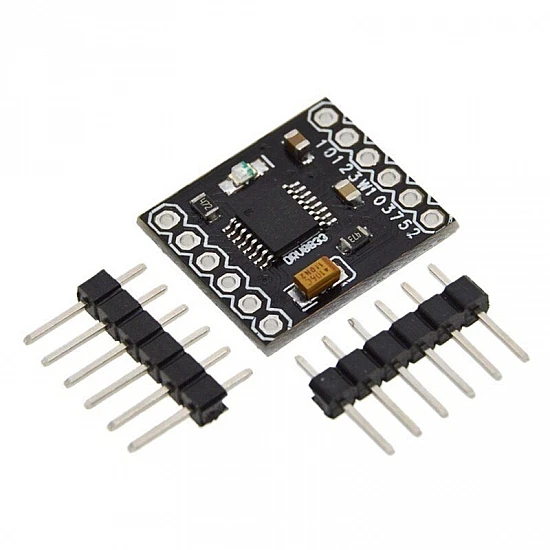
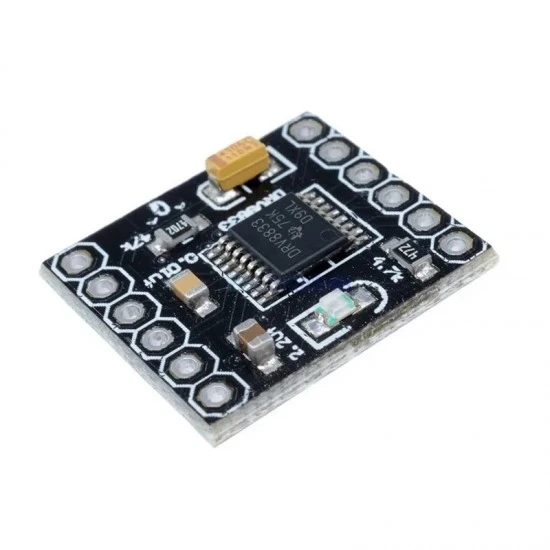
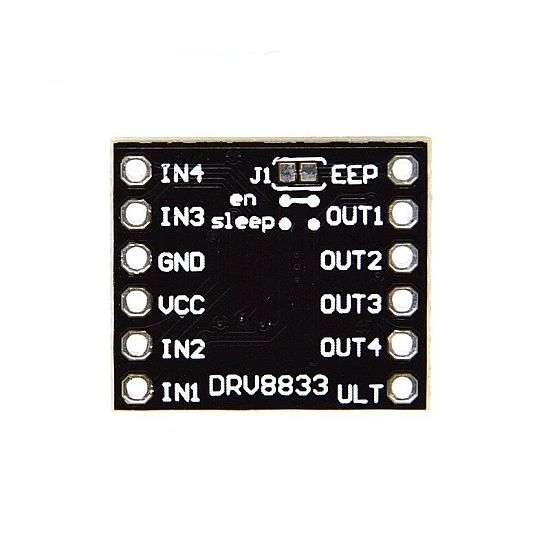
DRV8833 2 Channel DC Motor Driver Module

DRV8833 2 Channel DC Motor Driver Module
-23 %
DRV8833 2 Channel DC Motor Driver Module
₹75
₹98

(inc GST)

  • Stock: In Stock
  • SKU: 2087
    10 or more ₹68
    50 or more ₹64

DRV8833 is a dual H-bridge motor driver IC. It is a deal driver for small motors that run on relatively low voltages. It can be used for bidirectional control of two brushed DC motors at 2.7V to 10.8V. The DRV8833 has built-in current-limiting and no need for externally supplied logic voltage.

Features:

  • Reverse-voltage protection circuit
  • It can drive two DC motors or one bipolar stepper motor: Dual h-bridge motor driver
  • Single H-Bridge output current:1.5A(It can drive two DC motors)
  • Motor outputs can be paralleled to deliver 2.4 A continuous (4 A peak) to a single motor
  • Inputs are 3V- and 5V-compatible
  • Overcurrent protection: Yes
  • Short circuit protection: Yes
  • Undervoltage lockout: Yes; Overheating protection: Yes
  • With a low-power sleep mode

Package Includes:

1 x DRV8833 2 Channel DC Motor Driver Module

.

Technical
Chip Model

DRV8833

Operating Voltage

2.7‌‌V to 10.8V

Output Current

1.2 A continuous (2A peak) per motor

Length

16 mm

Height

3 mm

Width

18 mm

Questions1 Answers1 | Expand All
Can i get GST invoice for the order ?
Shubham Bhausaheb Modake
  • Yes, You can claim GST credit if you have a GST number. To do it you have to mention the GST number at the time of checkout. GST option appears in the Billing Address. If you are an existing customer of flyrobo then you can log in to your account ( Account → Address Book → Edit Address) and Then enter your GST number.
    FlyRobo[ 16/11/2022 ]
    Was this answer helpful?-575
Showing 1 to 1 of 1 (1 pages)

Write a review

Note: HTML is not translated!
Bad Good
Captcha

The product is currently Out-of-Stock. Enter your email address below and we will notify you as soon as the product is available.

Name
Email
Phone
Comments